



Getting Started with your 3Doodler Flow
Not sure where to begin with your new Flow pen? You’ve come to the right place. Let’s get started with a few of the basics. By the time you’re done reading, you’ll be ready to Doodle like a pro. If you’d just like to dive into the manual, you can download it here.

Basics

Plug in Your 3Doodler
Ensure you set your temperature to ABS for ABS filament or PLA for PLA filament.

Press Fast / Slow & Insert a Strand
Press either button to put your pen in drive mode, then insert the tip of a filament spool into the back of the pen. Push gently to ensure it engages with the gears and grips properly.

Ready, Set, Doodle
It will take a few seconds for your filament to extrude.
The Buttons

Fast / Slow Button
Single-click either the fast or slow buttons to start a continuous flow of filament. Extruding filament can be stopped by clicking either button at any time. The pen may sound like it is still extruding for a few seconds after — this is normal and is simply the motor reversing the strand slightly.

Reverse Feature
Double click either button to reverse filament. The pen will pulse slightly as it reverses. If the filament is too short to reverse, carefully remove the nozzle and use the unblocking tool to push the filament out.
Feeding Spools

Feeding Spools
First, try pushing your filament gently into the pen to ensure it engages with the gears. If the filament is too short to grip, use another piece of filament or the unblocking tool to push it into the gear system.

Jammed Filament
The unblocking tool is included to help push filament out of the pen. While the pen is on and the nozzle is hot, unscrew the nozzle, double-click either speed button to reverse, then gently push filament out using the tool.

A Few Reminders
- Follow the step-by-step user manual at all times.
- Never force anything into place.
- Ensure no filament is inside when replacing the maintenance cover.
- Align tabs carefully when reattaching the cover.
Still Struggling?
Don’t worry, our support team is here to help. Please reach out to us here.
Pressing on Surface
Push the nozzle firmly onto the paper and allow filament to extrude for a couple of seconds, then lift. The extra pressure helps the filament stick. We call this “anchoring.”
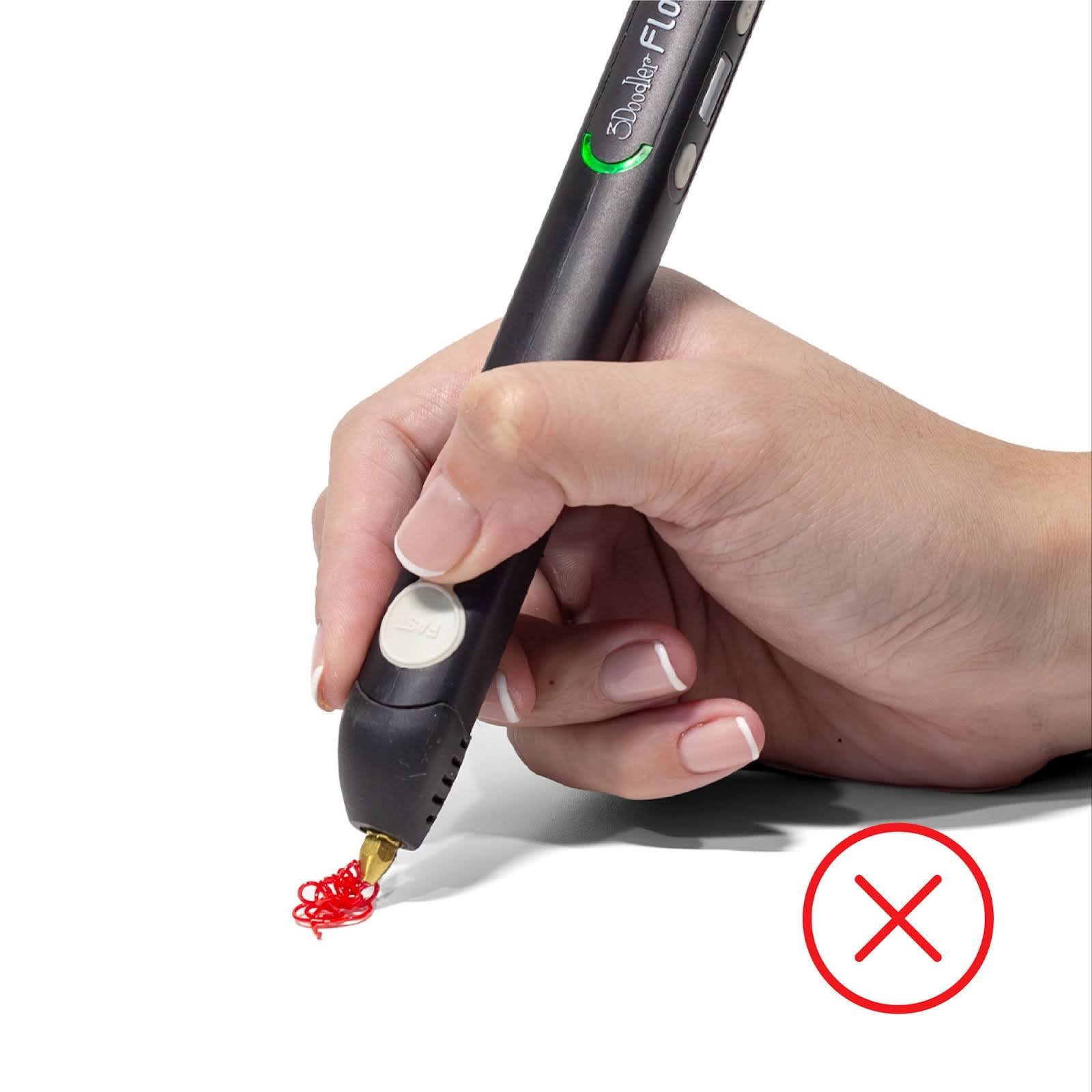
Incorrect
Filament bunches when not properly anchored to the surface.
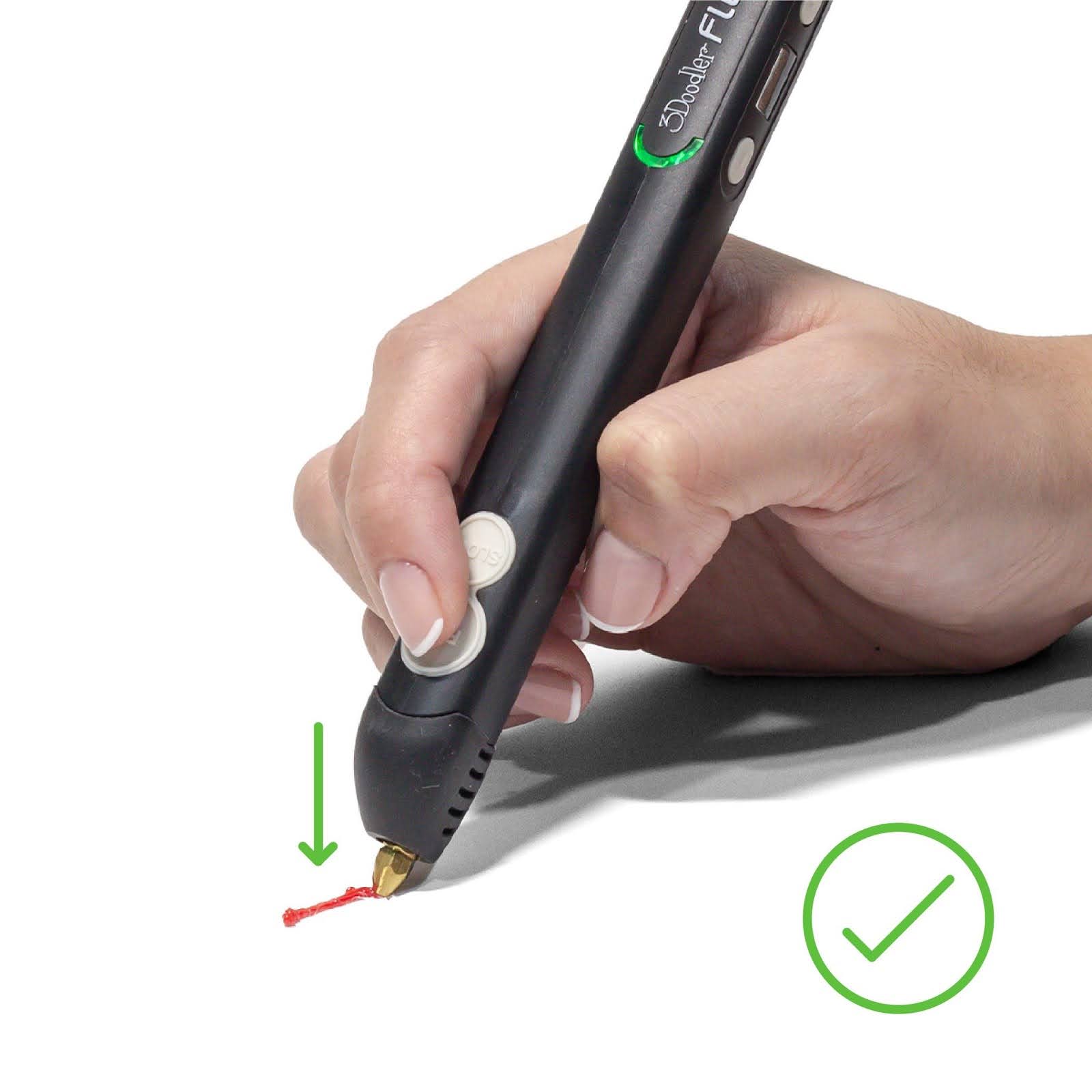
Correct
Press the nozzle firmly onto the surface and hold briefly before lifting.
Nozzle Removal
Use the nozzle removal tool to gently unscrew the nozzle while the pen is on and fully heated (LED blue or green). Do not over-tighten the nozzle and keep the tool centered to avoid damage.
Tips

Keep Your Filament Clean
Use clippers or scissors to snip melted filament ends to avoid jams.
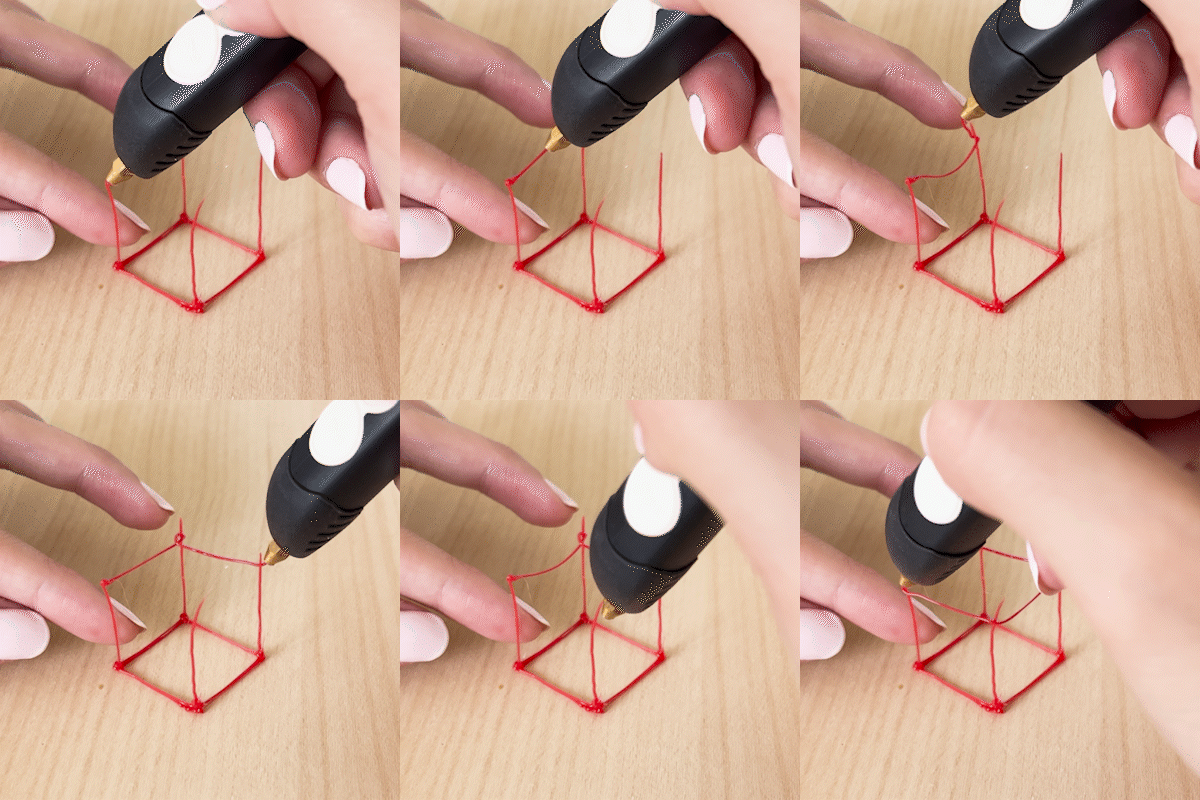
Welding Filament
While extruding, touch the tip to both pieces to weld them together.


