Getting Started
What’s In The Box
Create A Smiley Face Cookie
Basics
1. Remember to always prepare parchment/baking paper and the candy pieces you want to join before powering on your 3Doodler Candy.
2. Power on, insert Candy Capsules, and wait for the green light.
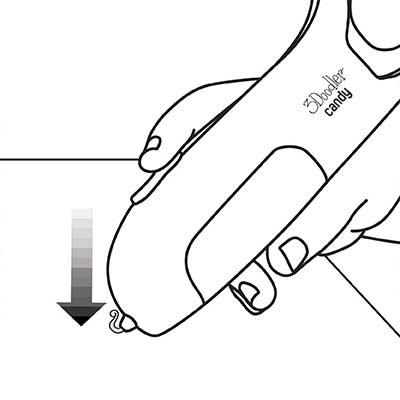
3. Press and hold the Forward Button to extrude candy.
4. Work quickly — the candy sets in about two to three seconds.
5. If a joint hardens, reapply candy and try again.
6. Use sturdy snacks like cookies, crackers, or pretzels for best results.
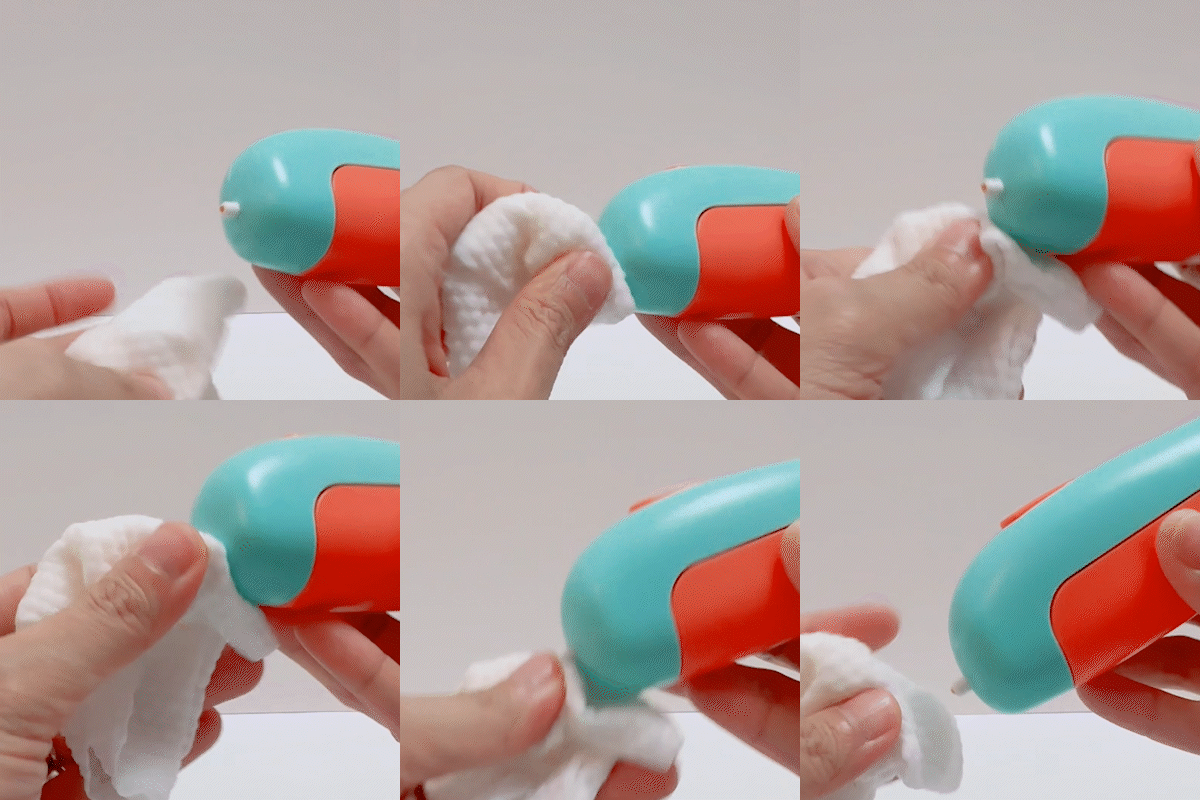
7. Remember to always let the nozzle and candy cool before touching.
The Pen
Buttons & Parts
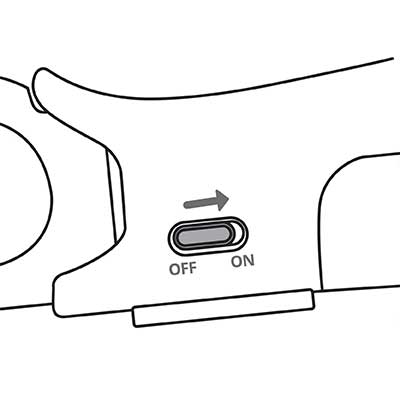
- Power Switch: Slide to turn the pen on/off.
- Forward Button: Press and hold to extrude candy.
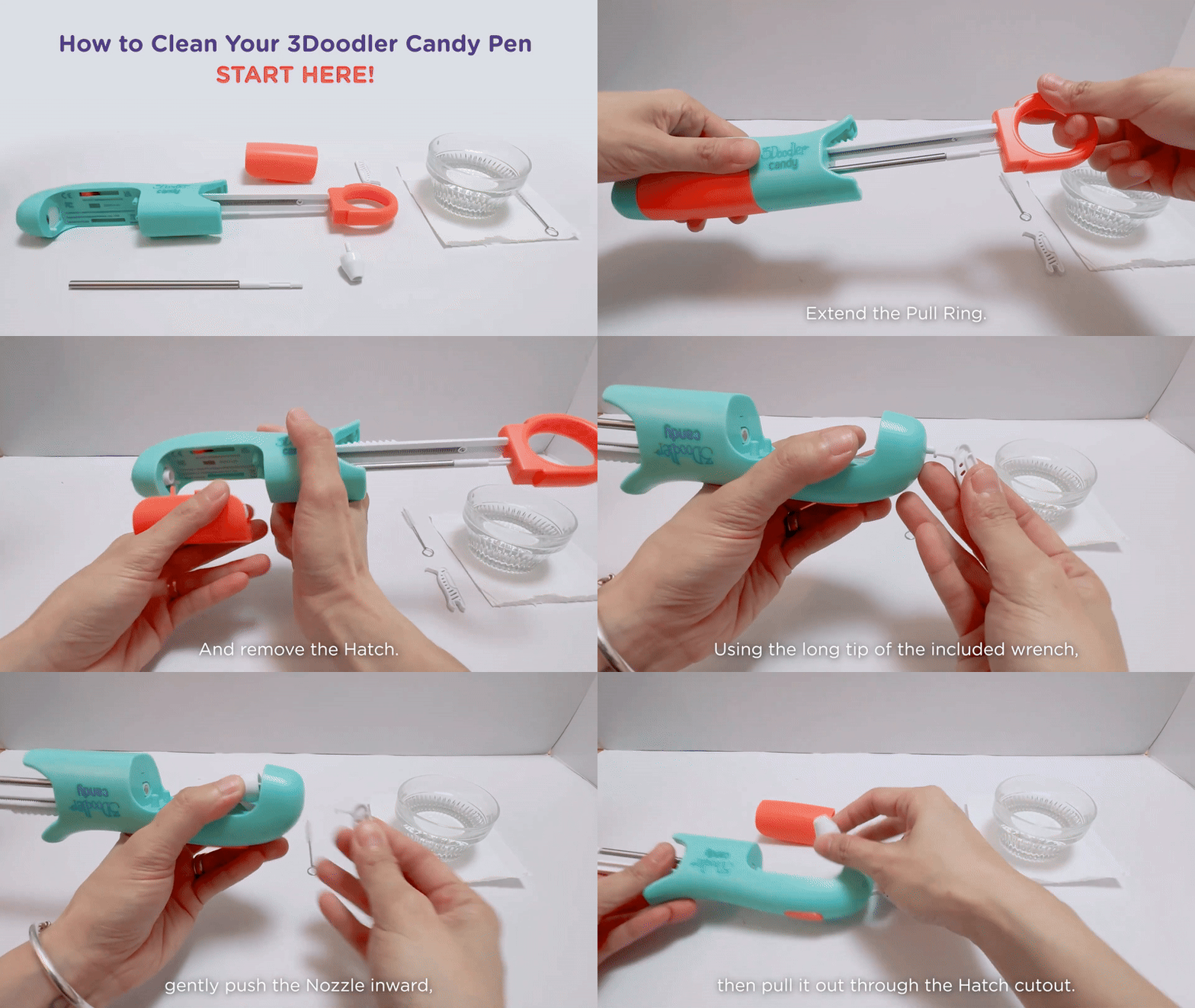
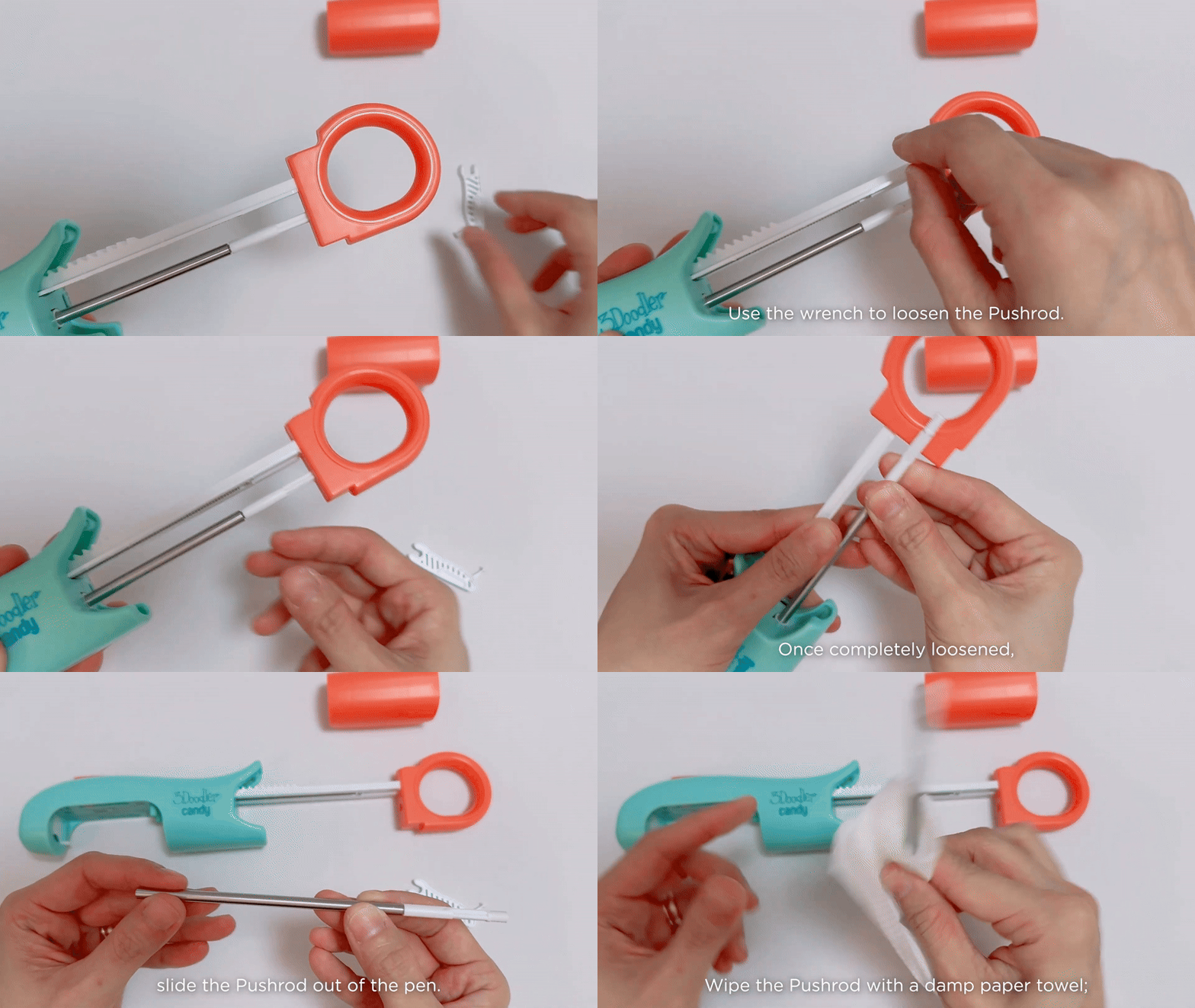
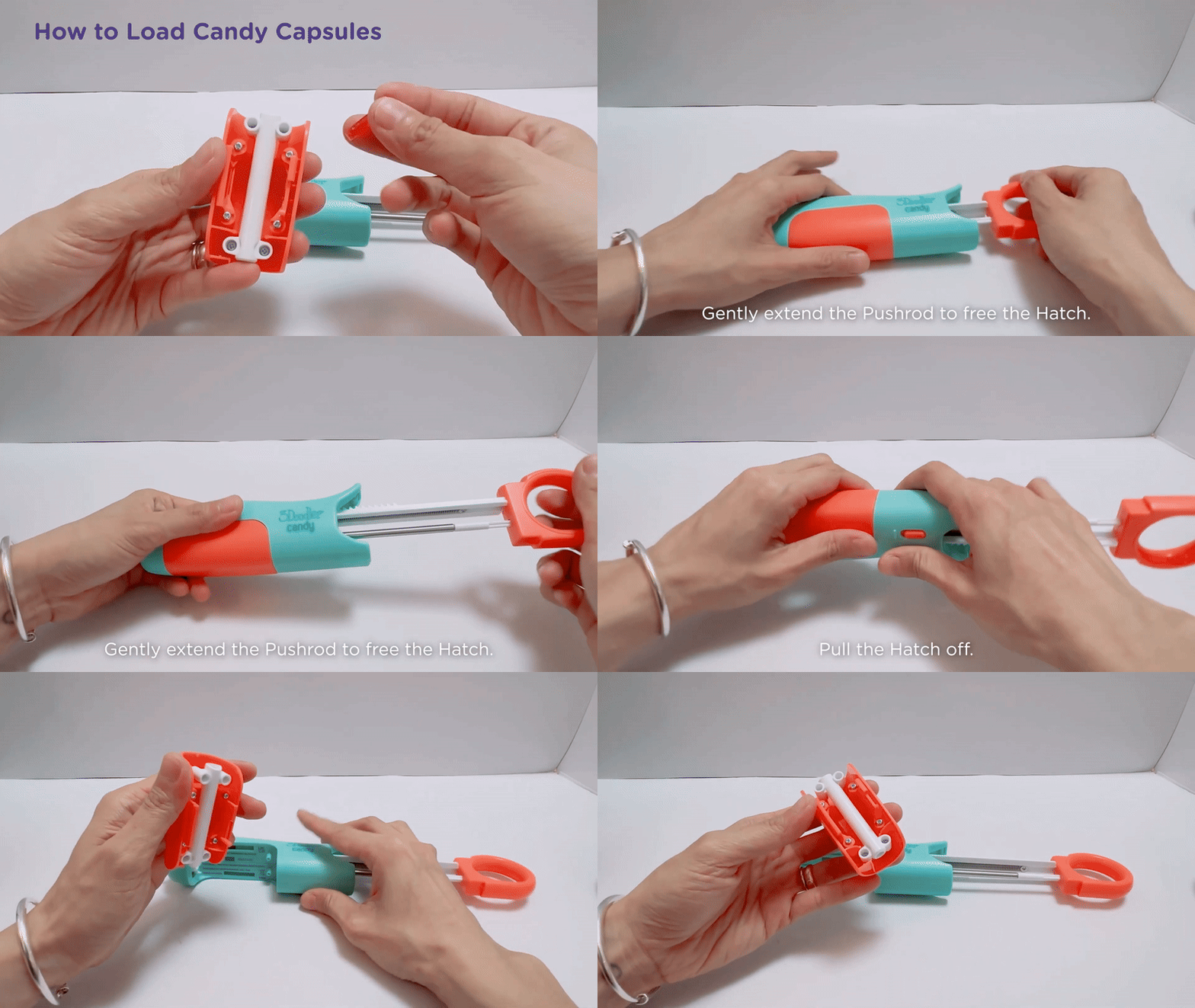
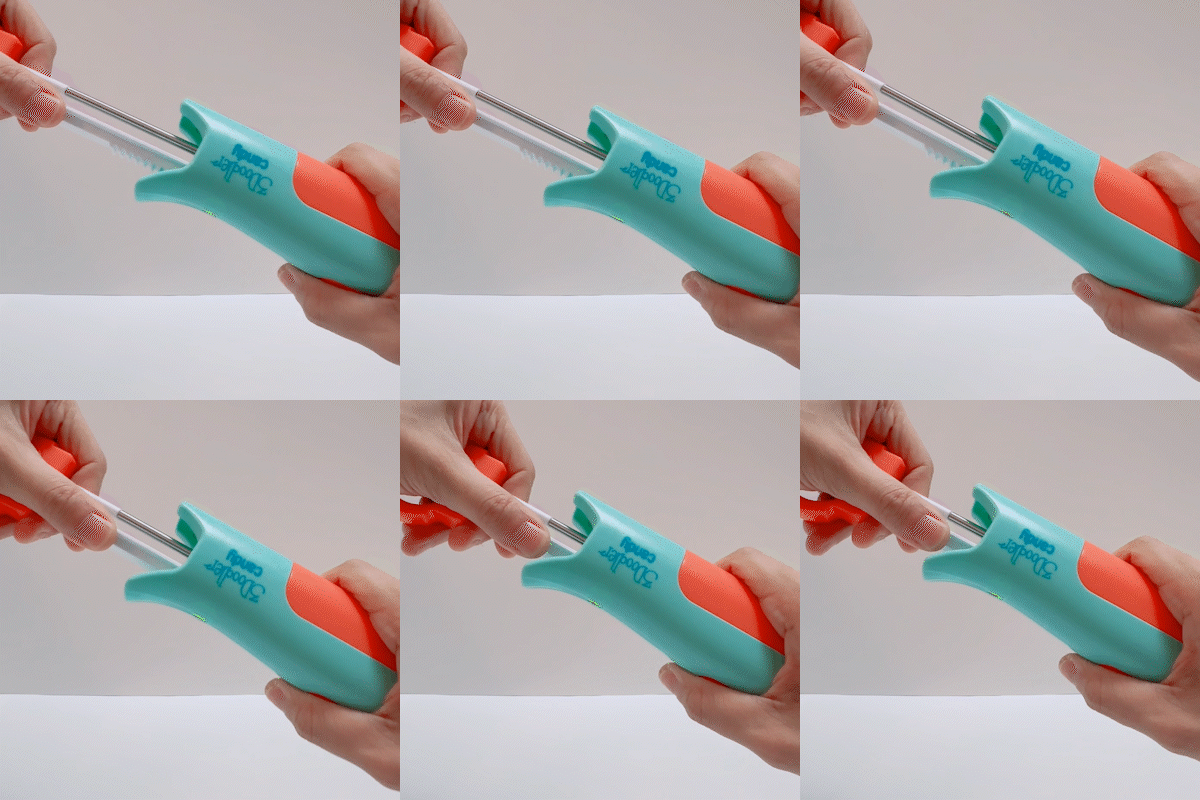
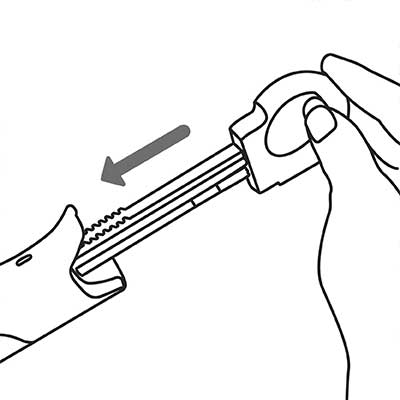
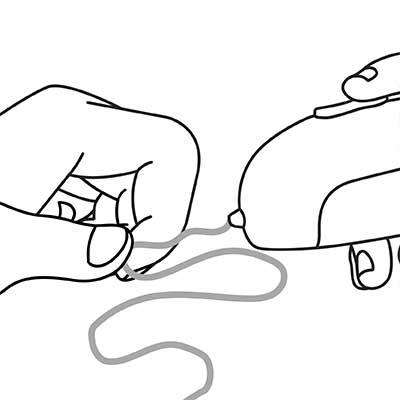
- Pull Ring: Pull/slide to load and advance feed.
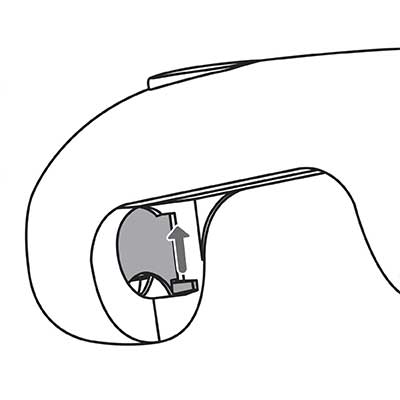
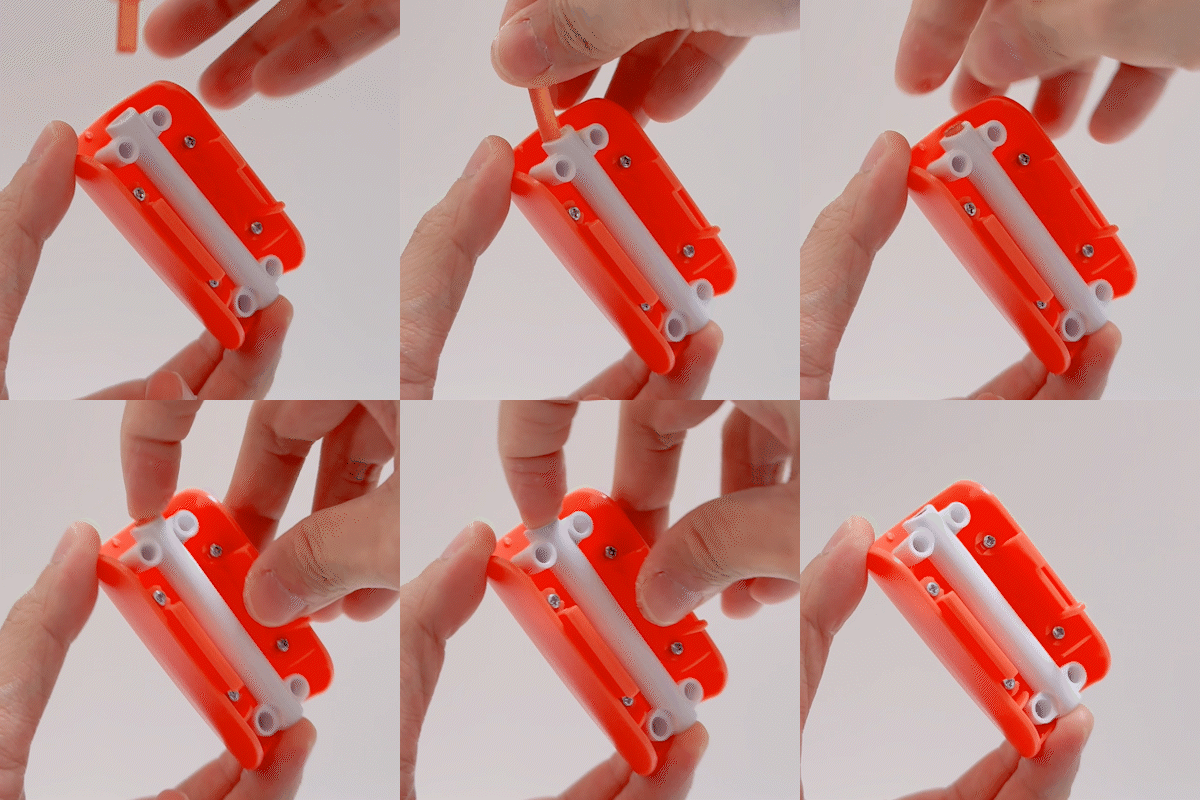
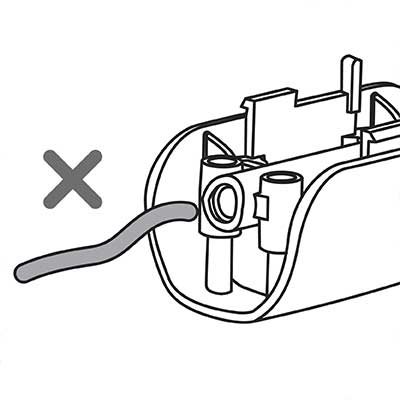
- Hatch: Removable cover for capsules and nozzle.
- Candy Capsules: Isomalt pellets inserted to extrude.
- Nozzle: Removable tip where candy is extruded.
- Pushrod: Rod that pushes capsules forward.
- USB-C Port: Connect cable to charge the battery.
Indicator Lights
- Solid Red: Pen is warming up.
- Solid Green: Fully heated and ready to use.
- Slowly Flashing Orange: Battery level is low.
- Quickly Flashing Orange: Pen is actively charging.
- Solid Orange: Charging complete; battery full.
Operation
Tips
Troubleshooting